
NEW
Component
Component
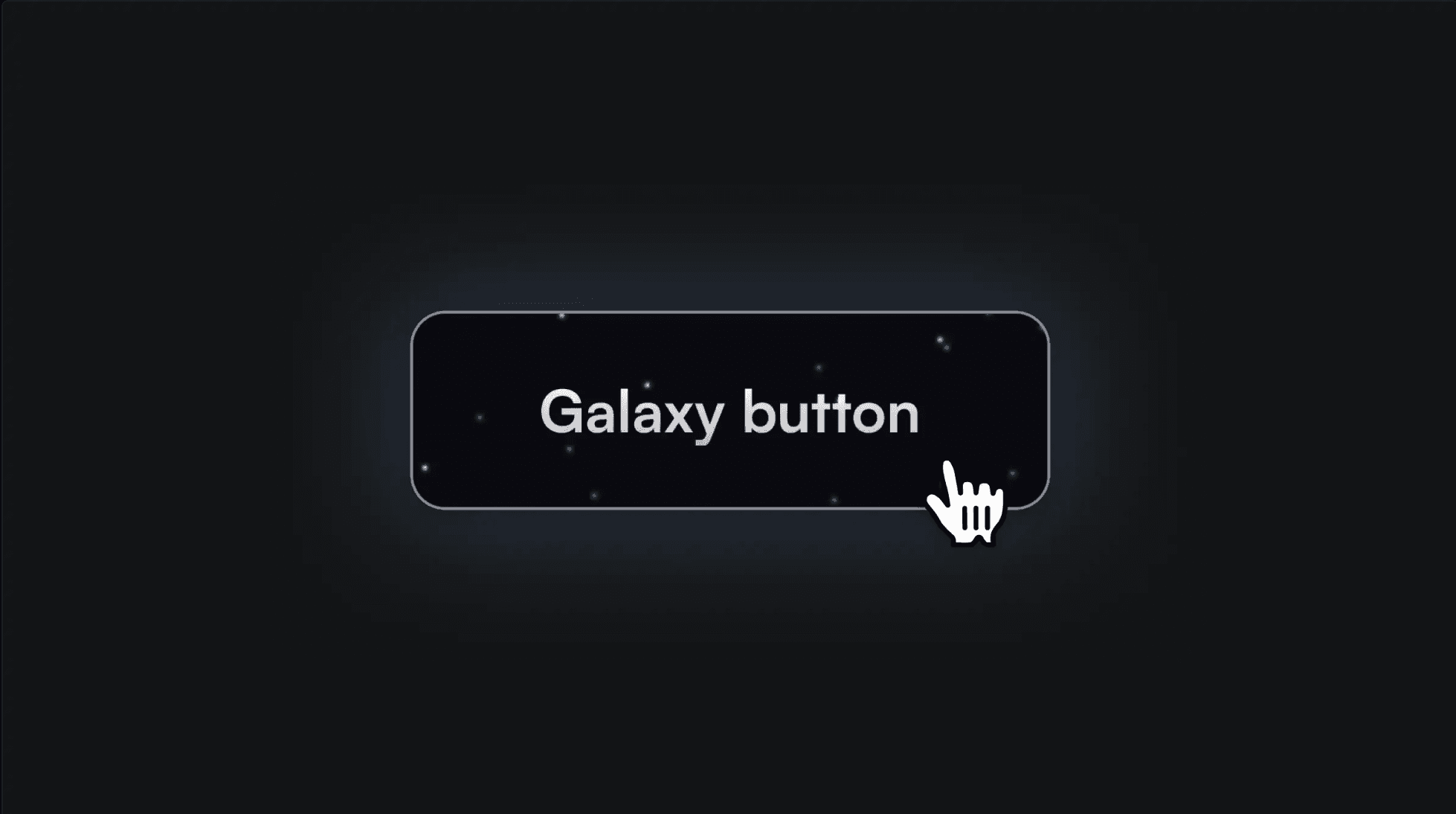
Galaxy Button Component
This is a remake of the galaxy button first showcased on the Genius website. It's a truly engaging effect that can certainly elevate your site to new heights.
About the resource
This button component utilizes two variants: a "default" and a "hover" variant. In the hover state, the background image (the galaxy) becomes visible. This has a code override applied, causing it to move with the cursor.
Code override
Code override You can also copy this code to create a new code override in your project, which will make the galaxy background move as you hover over the button.
import type { ComponentType } from "react"
import { useRef, useState } from "react"
import { useEffect } from "react"
import { useSpring, animated } from "react-spring"
export function withCursorFollow(Component): ComponentType {
return (props) => {
const ref = useRef(null)
const [isHovering, setIsHovering] = useState(false)
const [originalPosition, setOriginalPosition] = useState({
left: 0,
top: 0,
})
const [centerPosition, setCenterPosition] = useState({
left: 0,
top: 0,
})
const springProps = useSpring({
left: isHovering ? originalPosition.left : centerPosition.left,
top: isHovering ? originalPosition.top : centerPosition.top,
config: { mass: 1, tension: 170, friction: 26 },
})
useEffect(() => {
if (!ref.current) return
const buttonRect = ref.current.getBoundingClientRect()
const elementRect = ref.current.getBoundingClientRect()
setCenterPosition({
left: buttonRect.width / 2 - elementRect.width / 2,
top: buttonRect.height / 2 - elementRect.height / 2,
})
const handleMouseMove = (e) => {
if (!ref.current) return
if (e.target.closest("button")) {
setIsHovering(true)
const buttonRect = e.target.getBoundingClientRect()
const elementRect = ref.current.getBoundingClientRect()
setOriginalPosition({
left:
buttonRect.left +
buttonRect.width / 2 -
(e.clientX + elementRect.width / 2),
top:
buttonRect.top +
buttonRect.height / 2 -
(e.clientY + elementRect.height / 2),
})
setCenterPosition({
left: buttonRect.width / 2 - elementRect.width / 2,
top: buttonRect.height / 2 - elementRect.height / 2,
})
} else {
setIsHovering(false)
}
}
window.addEventListener("mousemove", handleMouseMove)
return () => {
window.removeEventListener("mousemove", handleMouseMove)
}
}, [])
return (
<animated.div
ref={ref}
style={{
position: "absolute",
pointerEvents: "none",
left: springProps.left,
top: springProps.top,
transform: "translate3d(0, 0, 0)",
transformStyle: "preserve-3d",
}}
>
<Component {...props} />
</animated.div>
)
}
}Xem thêm
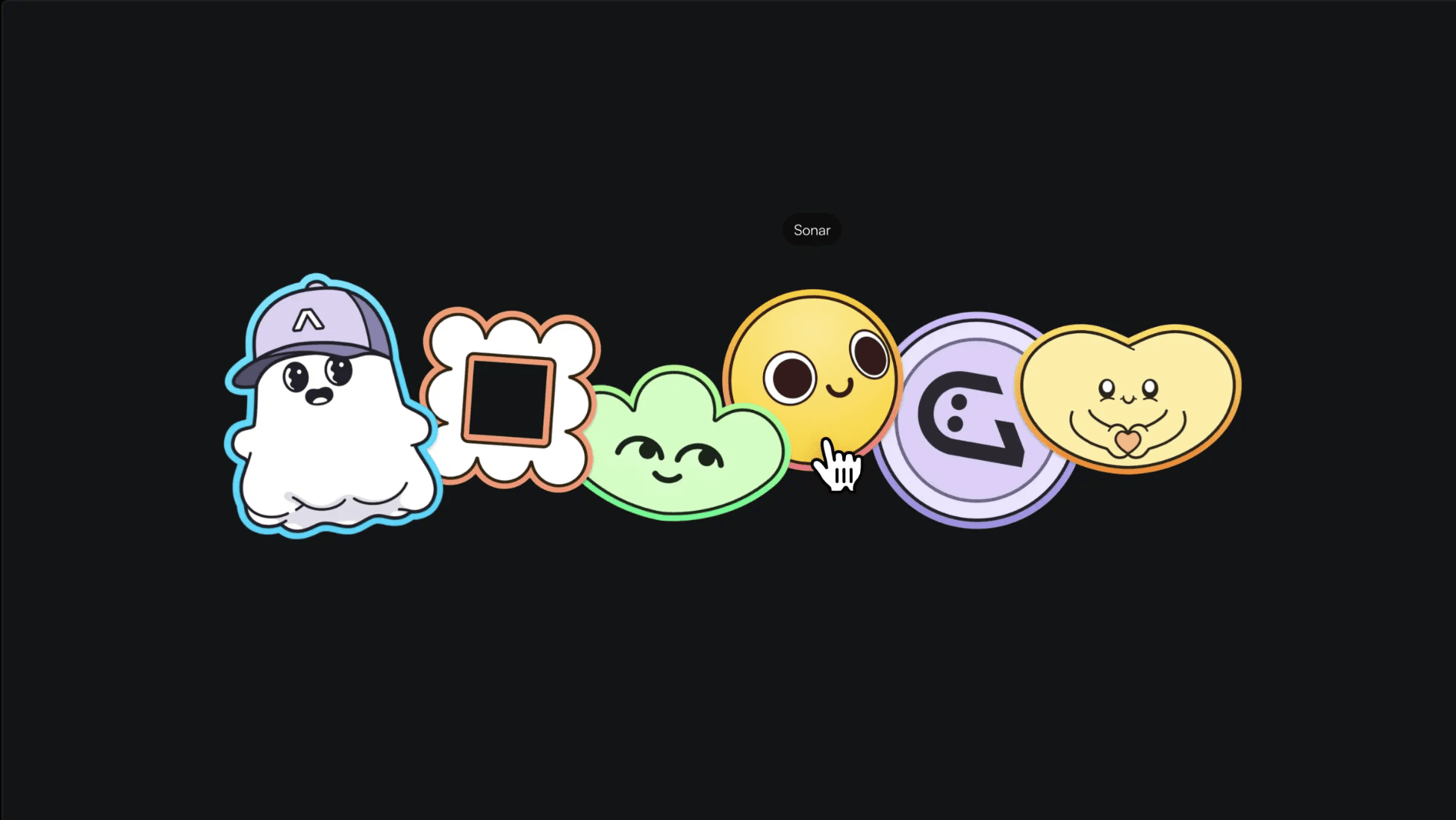
Avara Site in Framer
Animation
This is the Avara site, recreated in Framer without writing a single line of code. Feel free to remix the project and check out how it's built.
Avara Site in Framer
Animation
This is the Avara site, recreated in Framer without writing a single line of code. Feel free to remix the project and check out how it's built.
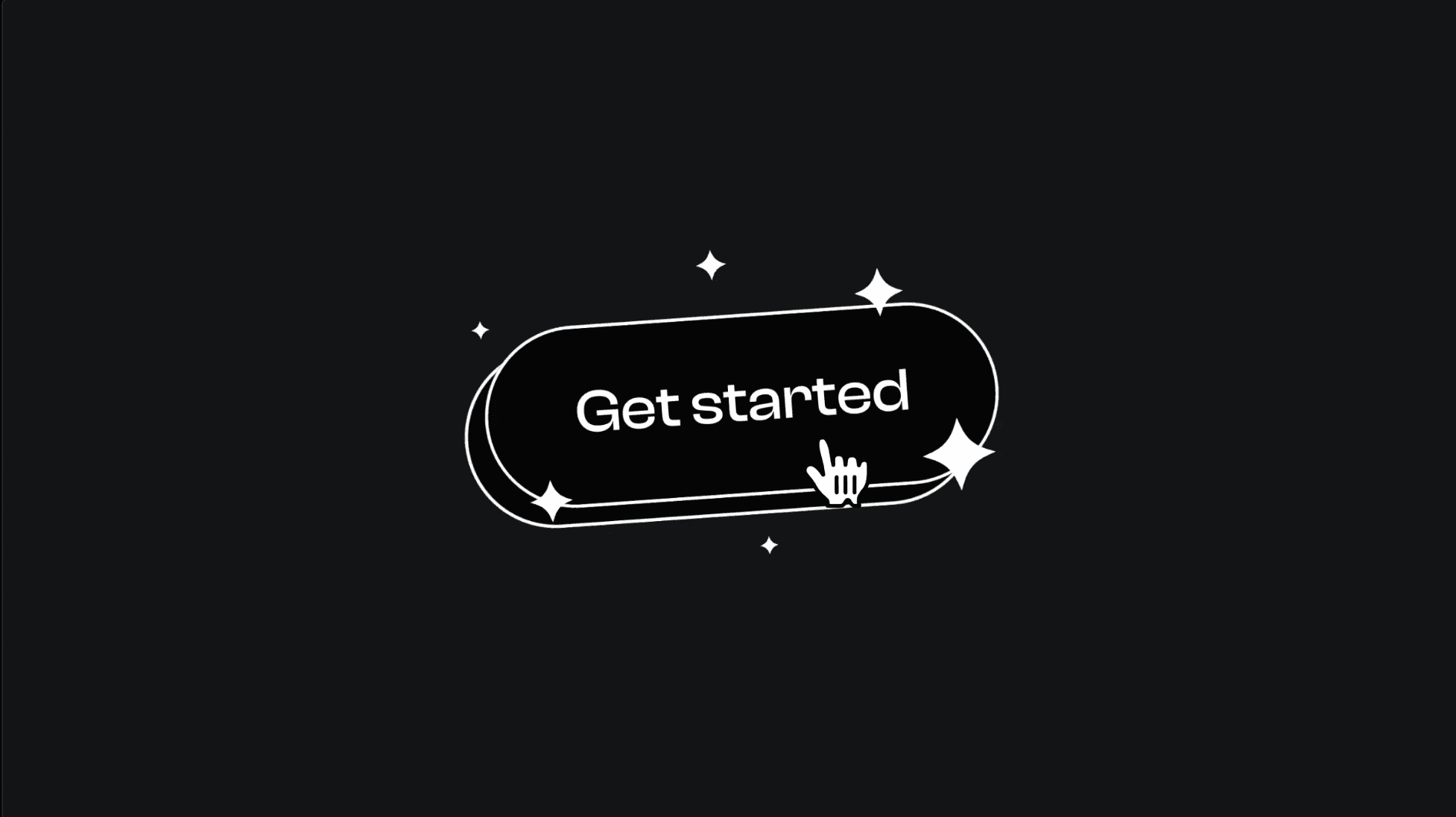
3D Button Component
Component
This is a 3D button concept by Nick Kutsenko, recreated as a customizable Framer component. Feel free to copy it into your Framer project and showcase it on your very own website to add a fun touch.
3D Button Component
Component
This is a 3D button concept by Nick Kutsenko, recreated as a customizable Framer component. Feel free to copy it into your Framer project and showcase it on your very own website to add a fun touch.
CTYTNHH DIA DEMY.
54/1A Đường số 30, P6, Q. Gò Vấp. HCM
/KHÁM PHÁ
@2019 DIA DEMY. ALL RIGHTS RESERVED.
DESIGN BY THAYTRI

CTYTNHH DIA DEMY.
54/1A Đường số 30, P6, Q. Gò Vấp. HCM
/KHÁM PHÁ
@2019 DIA DEMY. ALL RIGHTS RESERVED.
DESIGN BY THAYTRI
CTYTNHH DIA DEMY.
54/1A Đường số 30, P6, Q. Gò Vấp. HCM
/KHÁM PHÁ
@2019 DIA DEMY. ALL RIGHTS RESERVED.
DESIGN BY THAYTRI